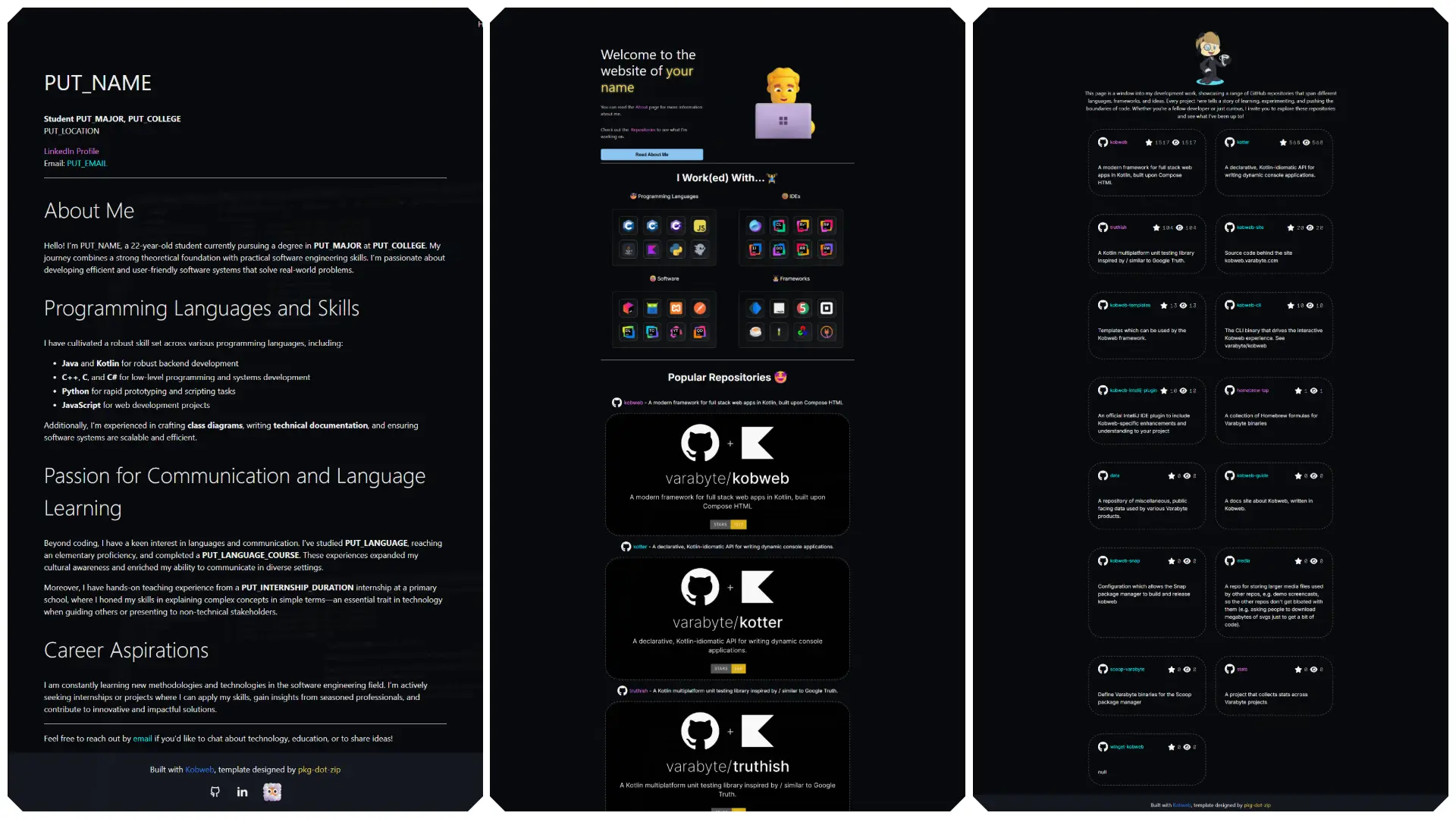
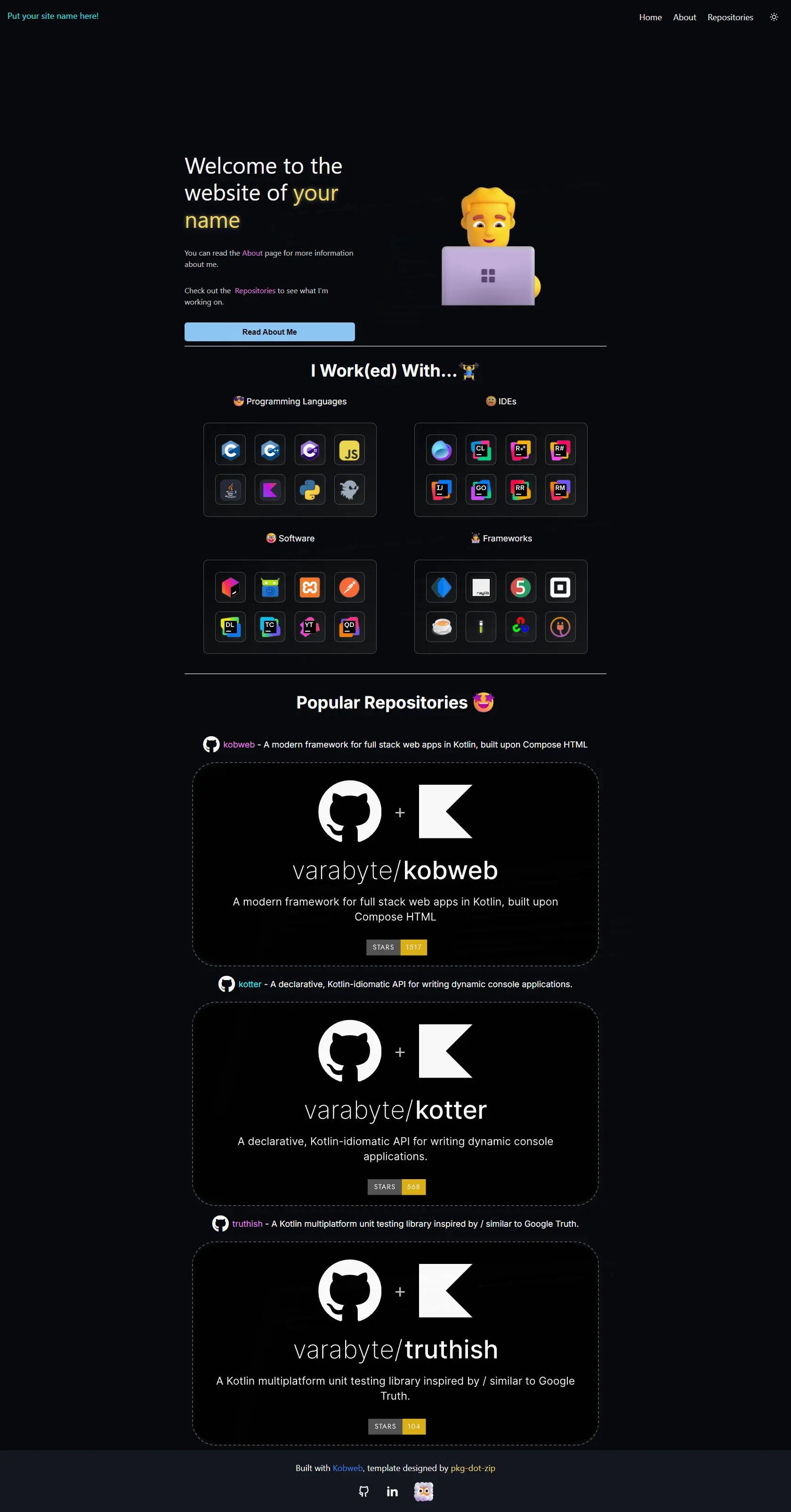
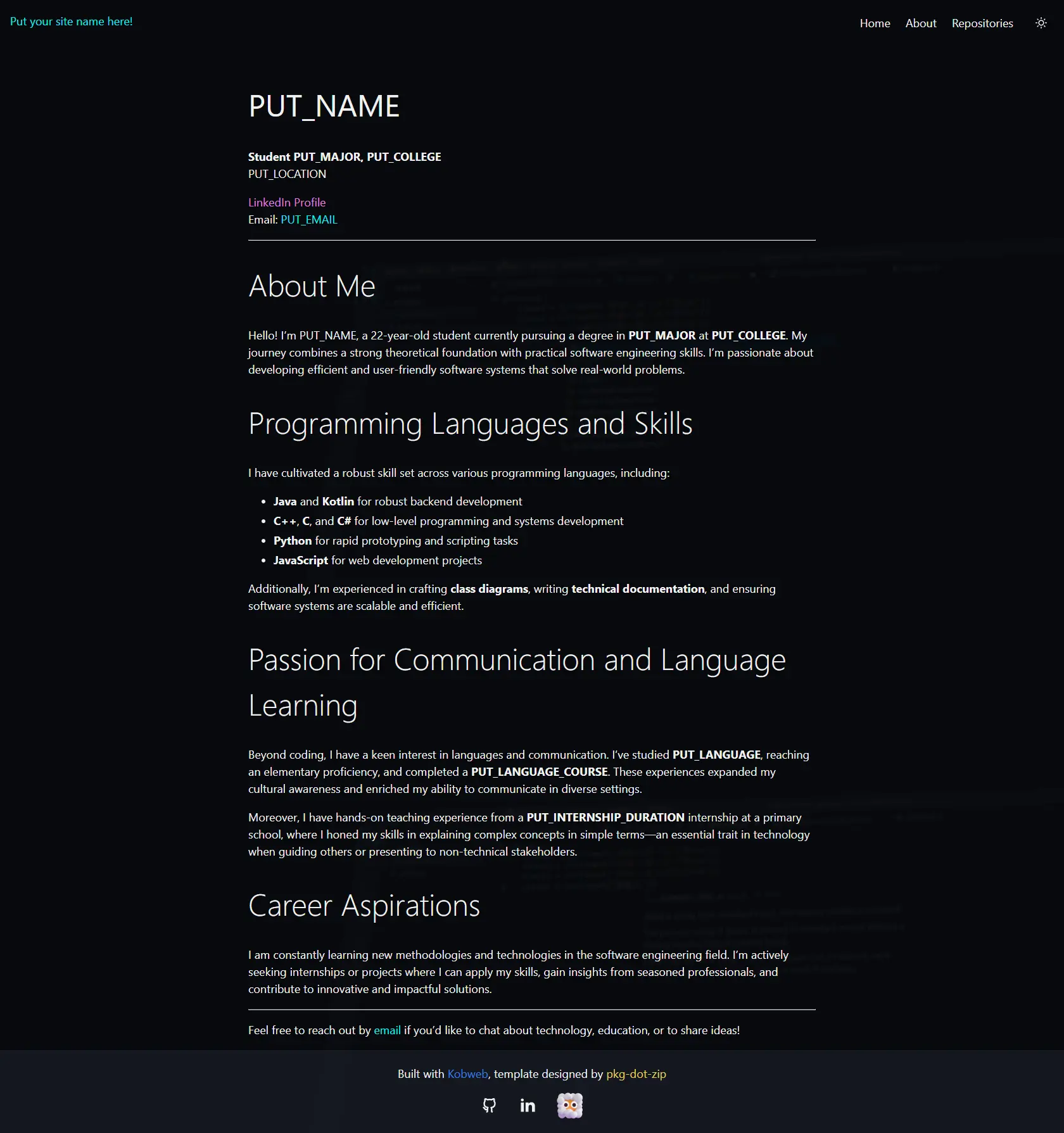
Who was it made for? What is it?
This project was made for other students who were looking for internships, but did not have a portfolio available to show what work they have already done.
Since those students only used GitHub, and did not have many projects, I decided to create an auto-updating portfolio based on specified users and/or repositories using the GitHub REST API. This saves crucial time and effort, allowing users of this project to focus on their projects instead of having to work on updating their portfolio! For the design a simple and beautiful color scheme was used created by the Kobweb community. The animated emoji's were provided by Animated Fluent Emojis. Some elements were based on the design of the Kotfolio project, created by another user in the Kobweb community.
Features
The projects has the following features:
- Auto-updates based on specified GitHub users and/or repositories.
- Animated emoji's.
- Animated translucent video background.
- Ability to add pages in MarkDown format.
- Beautiful CSS animations.
- Light & Dark theme switching support.
There are two methods to get started. The recommended way is to open your terminal (after installing Kobweb) and running the following command:
kobweb create --repo https://github.com/pkg-dot-zip/KobwebPortfolioTemplate
Then just follow the steps in your terminal!
After this you can just open the project in IntelliJ and start developing!
The other method is simply going to the repository and clicking the "Use Template" button!